

If you have ever bolted a monitor to an arm, you have used a VESA mount, even if the name never came up. VESA is the reason a screen from one brand fits an arm from another. For businesses that run tablets as kiosks, check-in stations or point-of-sale screens, it matters even more: the same standard lets an iPad enclosure share wall plates, floor stands and desk arms with the monitors already in the building.
This guide covers what a VESA mount is, how to measure the pattern, the sizes you will actually run into, and how tablets join the system.
What is a VESA mount?
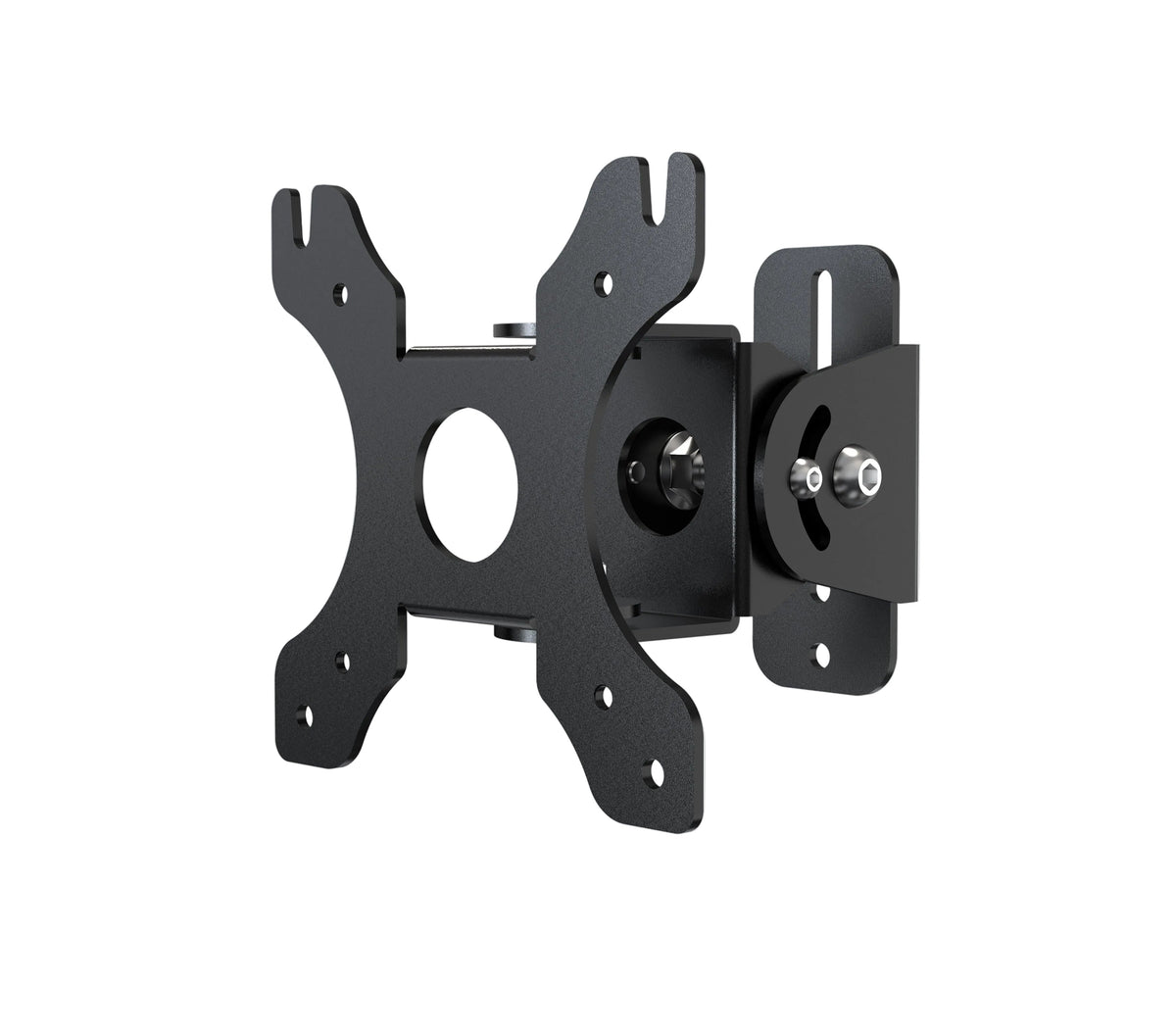
A VESA mount is any bracket, arm, stand or plate built to the mounting interface standard published by the Video Electronics Standards Association. The standard defines a square or rectangular pattern of four threaded holes on the back of a display and the matching hole spacing on the mount. If both sides use the same pattern, they bolt together.
The standard is formally called the Flat Display Mounting Interface (FDMI), but nearly everyone just says "VESA." When a product page says VESA 75 or VESA 100, it is telling you the hole spacing in millimeters.

How to measure a VESA pattern
You need a tape measure and about a minute.
- Find the four mounting holes on the back of the display or enclosure. They form a square or a rectangle.
- Measure horizontally from the center of one hole to the center of the hole beside it, in millimeters.
- Measure vertically the same way.
- Write it as width x height. Holes 100 mm apart both ways is VESA 100 x 100. Holes 200 mm wide and 100 mm tall is 200 x 100.
Measure center to center, not edge to edge. Edge measurements are the most common reason a mount arrives and does not line up.
Common VESA sizes and specs
Most of the time you will see one of a handful of patterns. Smaller patterns belong to lighter screens; larger ones carry more weight.
| Pattern (mm) | Typical use |
|---|---|
| 75 x 75 | Small monitors, tablet enclosures, compact displays |
| 100 x 100 | Most office monitors and tablet enclosures |
| 200 x 100 and 200 x 200 | Larger monitors and small TVs |
| 400 x 400 and up | Large-format TVs and signage |
Two other specs matter as much as the pattern:
- Screw size. Small patterns usually take M4 screws; larger displays often step up to M6 or M8.
- Weight rating. Every mount lists a maximum load. Add the weight of the device and any enclosure, keyboard tray or card reader, and stay under it.
Many plates carry both 75 x 75 and 100 x 100, which is why they work across so many screens. The VESA Compatible Desk or Wall Mount with Full Rotation and the Articulating VESA Plate for Poles, Beams, and Corners both use that dual 75/100 layout.
Do tablets and iPads have VESA mounts?
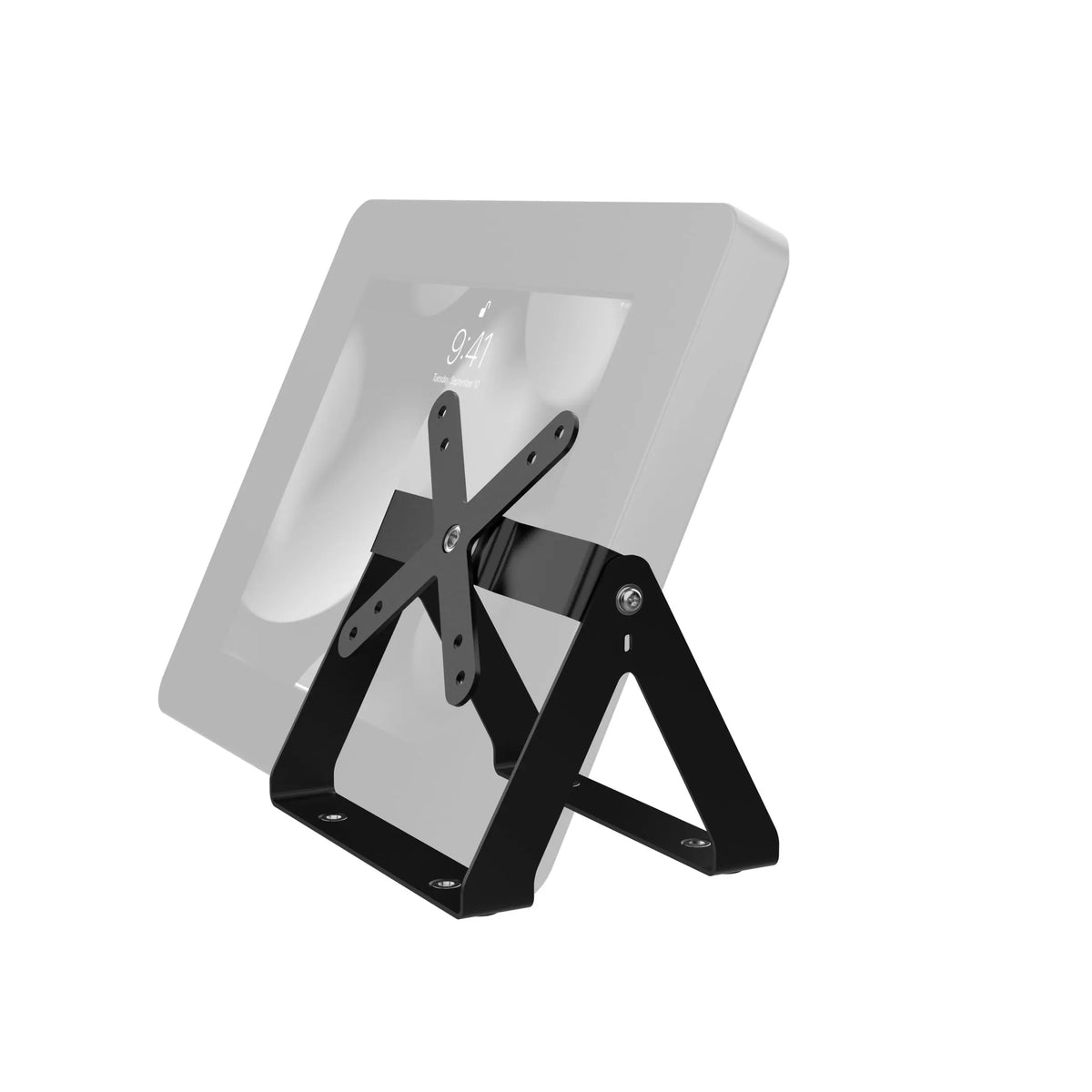
No. iPads and nearly all consumer tablets have flat, hole-free backs. To put one on VESA hardware you add a holder or a locking enclosure that has the VESA pattern built into its back. From there, the tablet behaves like any other VESA device.

Two approaches cover most needs:
- Adjustable grips such as the Security VESA and Wall Mount hold the tablet by its edges, leave ports open for chargers and card readers, and lock with a key.
- Full enclosures such as the VESA-Compatible Rotary Ball-Head Adjusting Mount with Security Enclosure cover the frame and home button, which suits public-facing kiosks.
For teams that move tablets between a wall and handheld use, the Tri-Grip Tablet Security Clasp with Quick-Connect VESA Mount slides on and off its VESA wall plate while a steel cable keeps the tablet tethered.
Why VESA matters for business deployments
A single interface pays off quickly once you run more than a few devices:
- Mix and match. One enclosure can go on a wall plate in the lobby, a desk arm at the front counter and a floor stand at an event, without new hardware for the tablet itself.
- Swap screens, keep mounts. When you replace a tablet model, you replace the holder, not the wall hardware.
- Shared parts with monitors. Arms, poles and plates bought for monitors can carry a tablet enclosure with the same pattern.

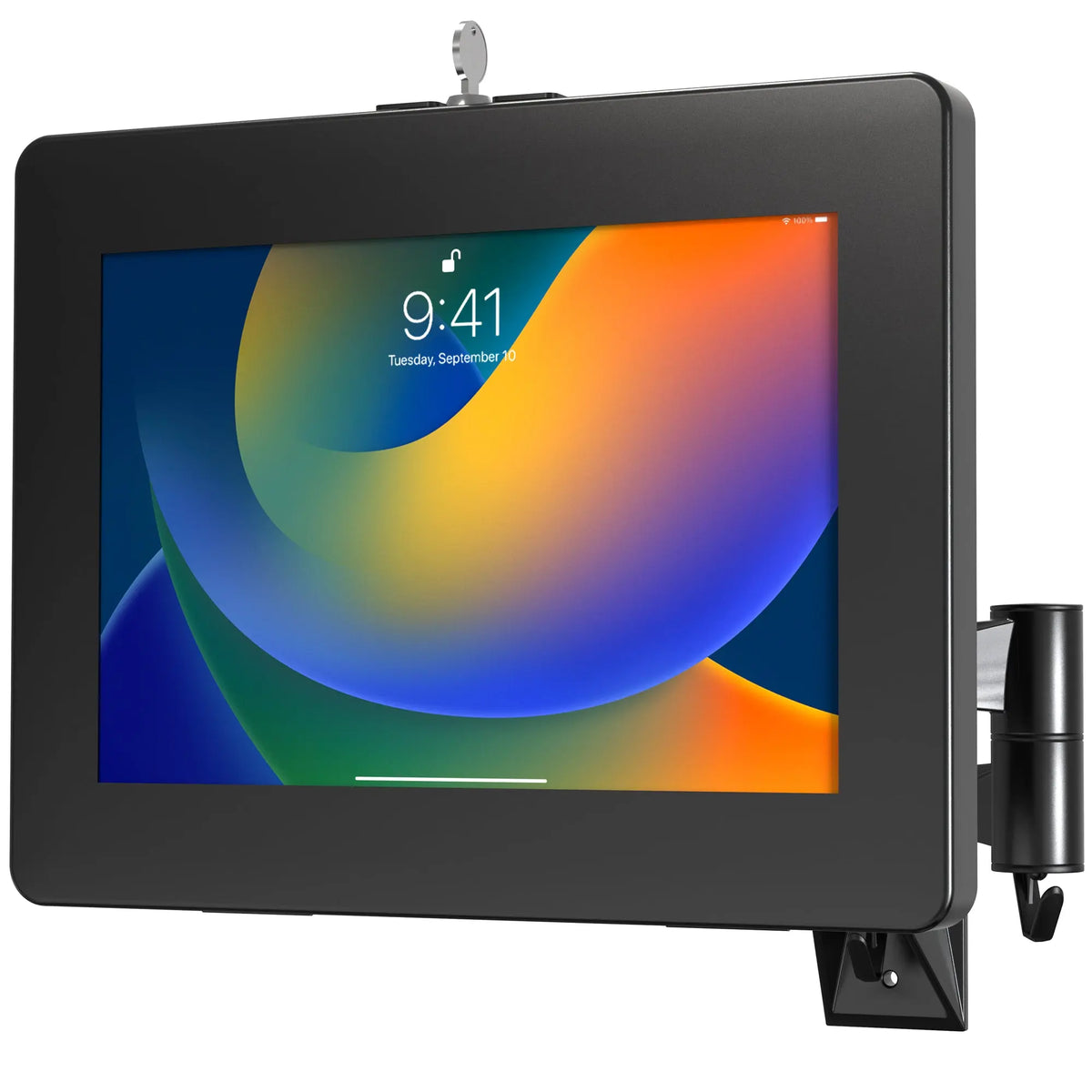
The VESA Wall Mount Arm with Enclosure is a good example: its plate rotates 360 degrees for portrait or landscape, the arms extend from 2 to 14.4 inches, and it carries either a monitor or the included tablet enclosure.
How to choose the right VESA mount
- Match the pattern. Measure your device or enclosure and confirm the mount lists the same size.
- Check the weight. Include the enclosure and accessories, not just the tablet.
- Pick the surface. Wall, desk, pole, floor stand or vehicle. VESA plates exist for each.
- Decide on security. Public spaces call for a locking enclosure and, ideally, a steel cable.
- Plan the cable. Look for hollow arms or cable routing so the charger stays tidy and out of reach.
Browse the full range of VESA-compatible mounts and enclosures to compare wall, desk and floor options side by side.