Tablet mounts & kiosks for government
Locking kiosks, wall mounts, desk mounts and charging cabinets for public counters, libraries, offices and secure facilities. Built to be used by every visitor and left unattended without worry.

Quotes and samples for agencies and public institutions
- Products
- 28 kiosks, mounts & charging cabinets
- Case studies
- 3 public-sector deployments
- Mount types
- 8 floor, kiosk & desk, arm, wall & accessory
Where tablets work in government
Six places we see devices deployed across agencies, libraries and public facilities, each with the problem it solves and the two products we'd start with.
-
 01 / 06
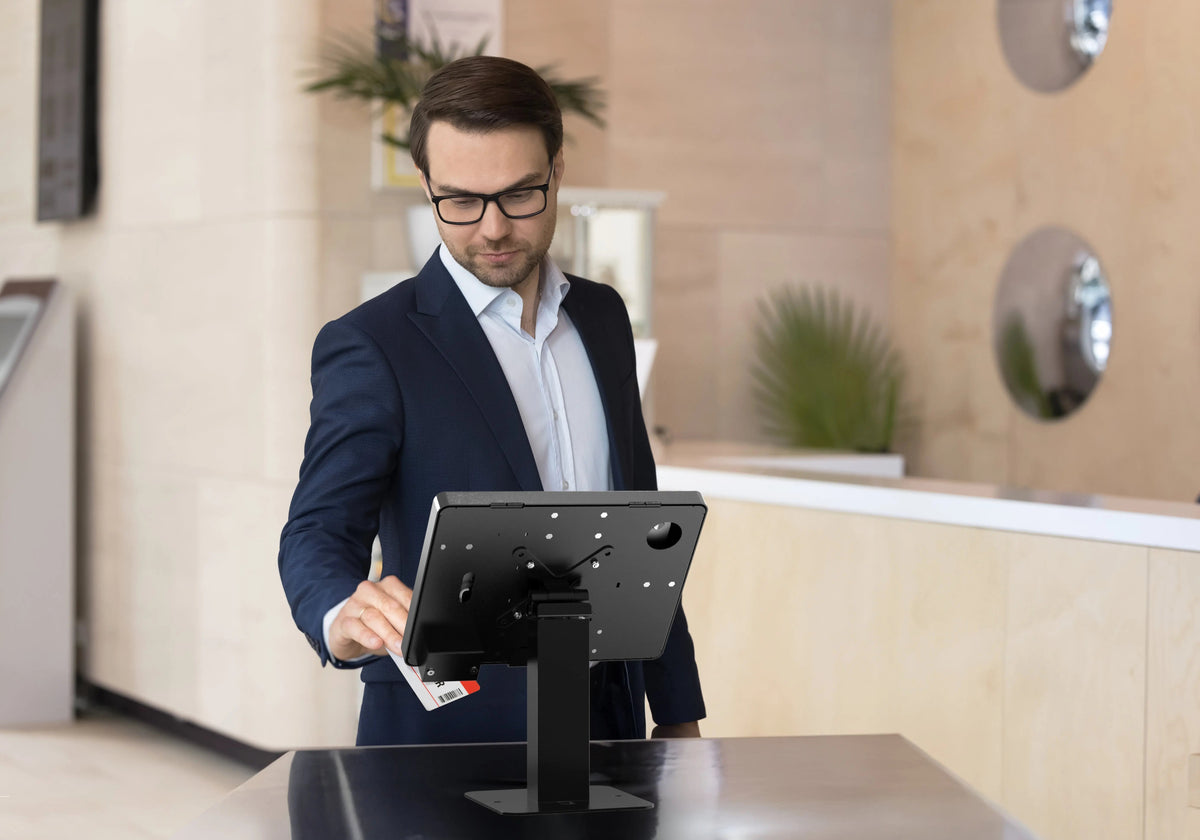
Service counters & check-in
Visitors sign in at shared screens all day, so the enclosure has to lock and the base has to stay put.
We'd start with See all service counters & check-in products -
 02 / 06
Libraries & public-access kiosks
Self-service kiosks sit in open rooms and need signage, a clear screen and a base visitors can use from any height.
We'd start with- Thin Profile Graphic Sign Floor Stand w/ Security Enclosure
- Premium Graphic Sign Floor Stand with Security Enclosure
-
 03 / 06
Lobbies & information displays
Wayfinding and information screens belong on the wall, locked, with ports reachable and nothing to pull off.
We'd start with See all lobbies & information displays products -
 04 / 06
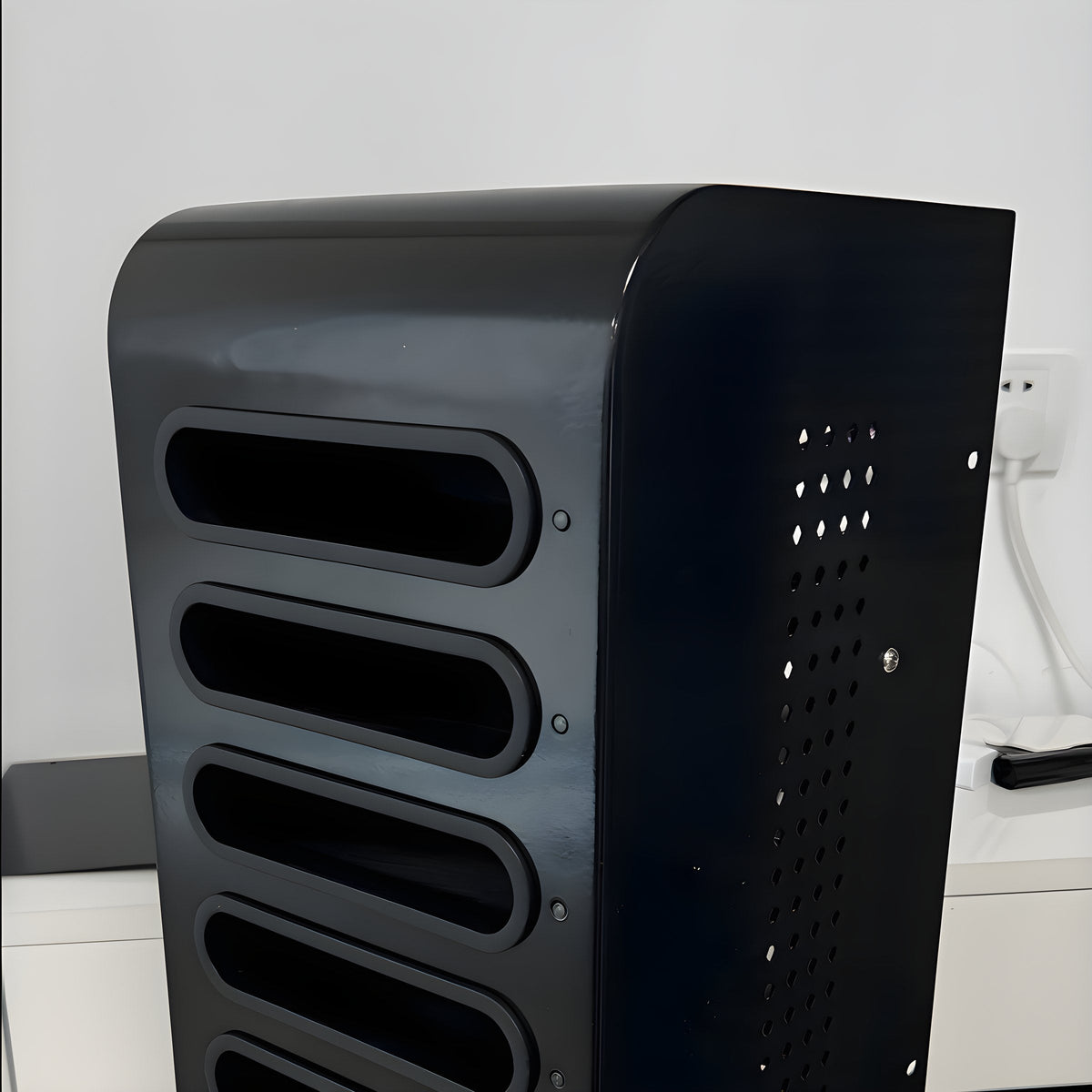
Secure facilities & charging
Shared tablets in secure settings need a locked place to charge and a case that resists damage and tampering.
We'd start with See all secure facilities & charging products -
 05 / 06
Office desks & cable security
Shared and hot desks collect loose cables and unlocked laptops unless the desk itself organizes and secures them.
We'd start with- Desk Add-on Bundle with Keyboard Tray, Desk Organizer, and Cable Routing Column
- VESA Clamp Mount w/ Grommet & Full Cable Management
-
 06 / 06
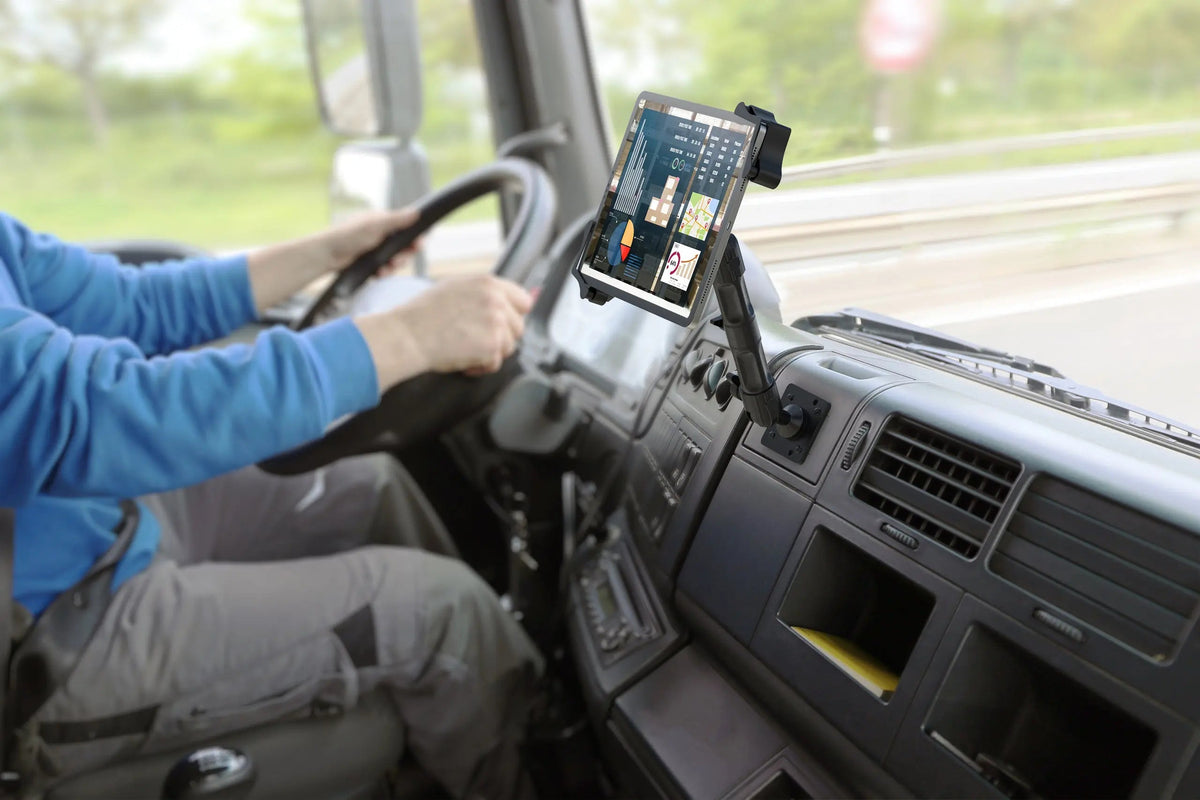
Field work & fleet vehicles
Inspectors and crews need a screen they can read from the driver's seat and take with them when they leave the vehicle.
We'd start with See all field work & fleet vehicles products

All government products
28 products
 Locking
Security Floor Stand Kiosk for iPad
 Locking
Lockpoint Tablet Kiosk Station
 Locking
Thin Profile Graphic Sign Floor Stand w/ Security Enclosure
 Locking
Premium Graphic Sign Floor Stand with Security Enclosure
 Locking
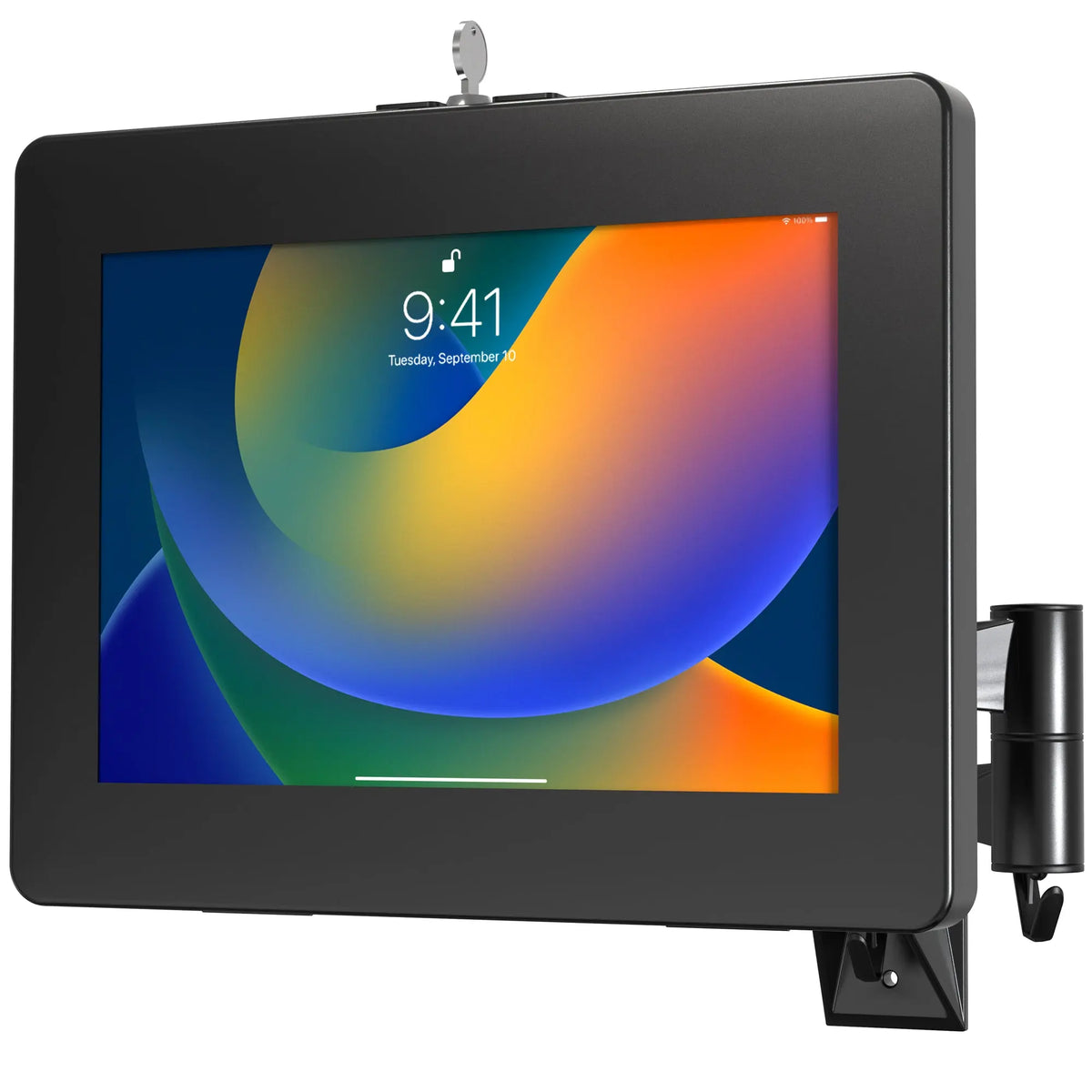
VESA Wall Mount Arm with Enclosure
 Locking
Universal Digital Password Locking Security Wall Mount Enclosure
 Locking
Locking Charging Cabinet for Up to 10 Devices
 Locking
Wall-Mounted Charge Station Security Cabinet
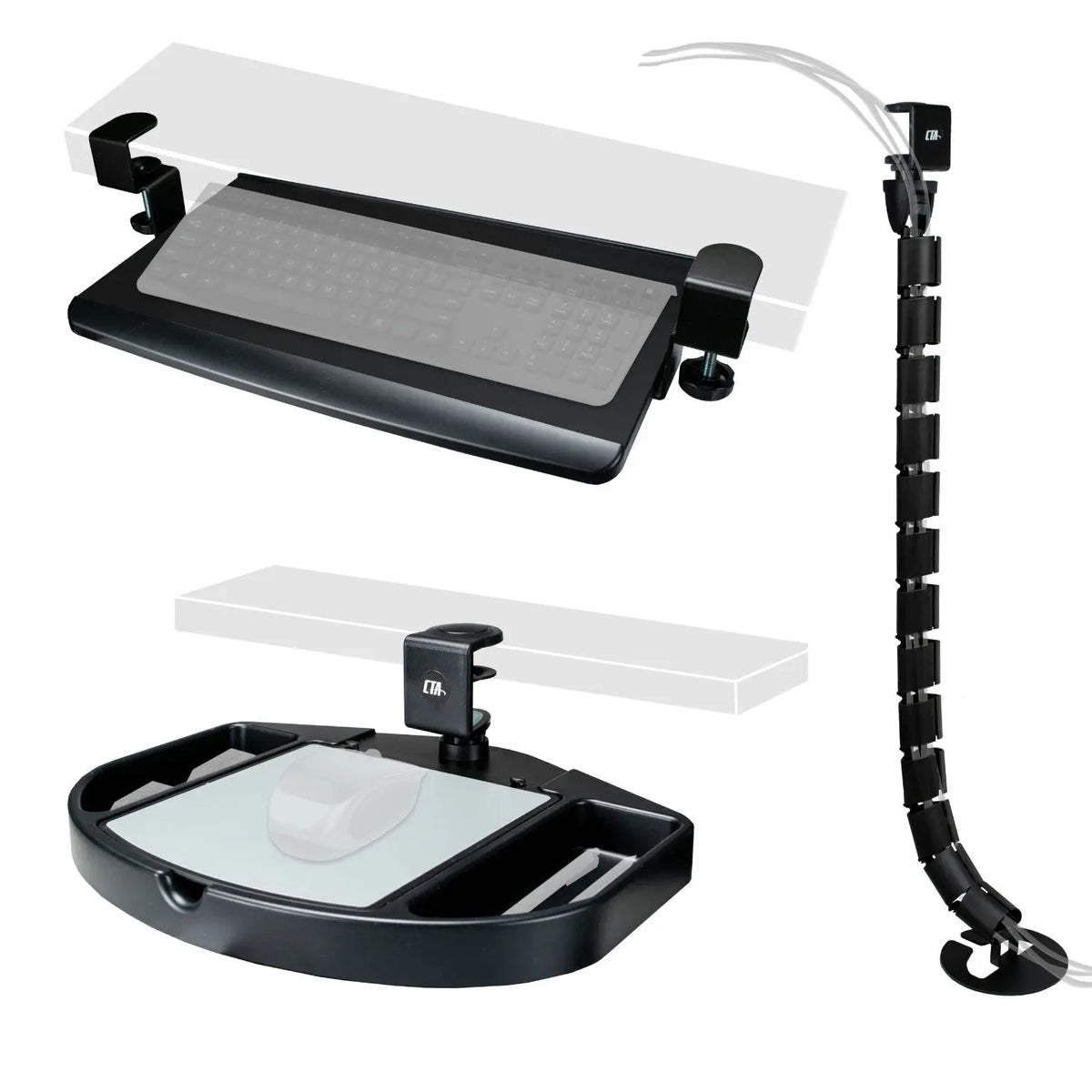
Desk Add-on Bundle with Keyboard Tray, Desk Organizer, and Cable Routing Column
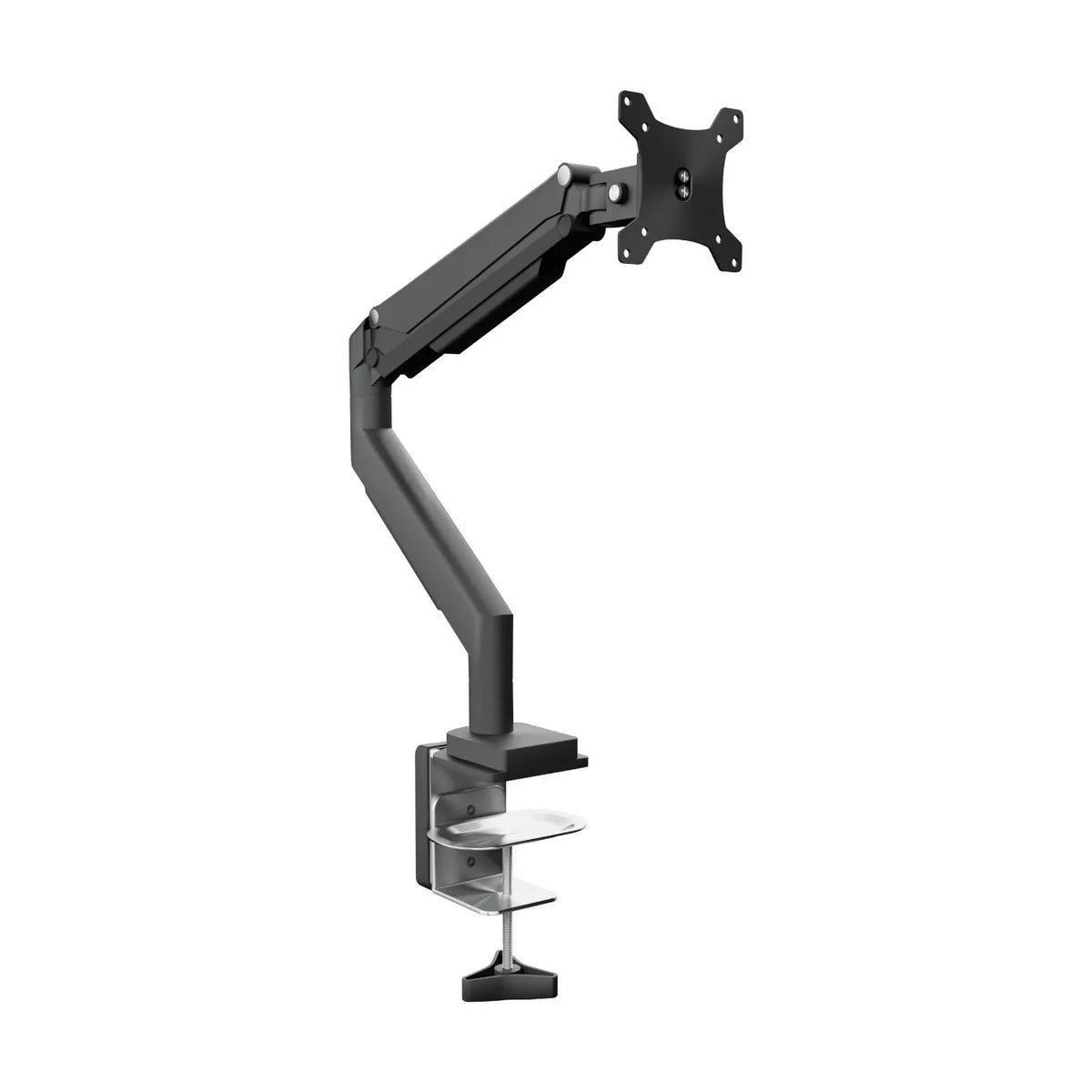
VESA Clamp Mount w/ Grommet & Full Cable Management
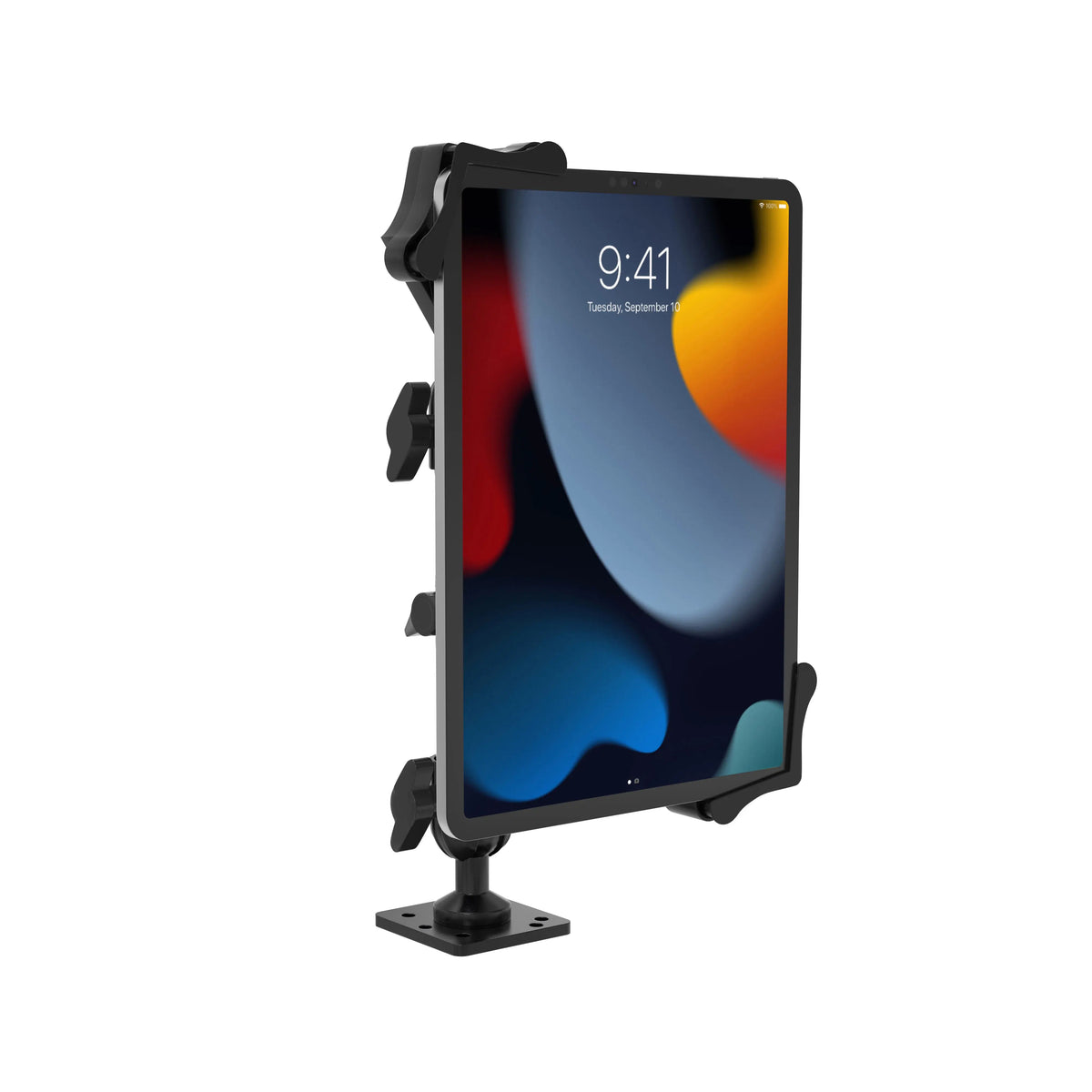
Vehicle Dash Mount with Custom Flex Arms
 Locking
Laptop Security Arm with VESA Mounting Base for Vehicles
 Locking
Universal Anti-Theft Security Grip Holder w/ Stand
 Locking
Locking and Folding Security Desk Mount
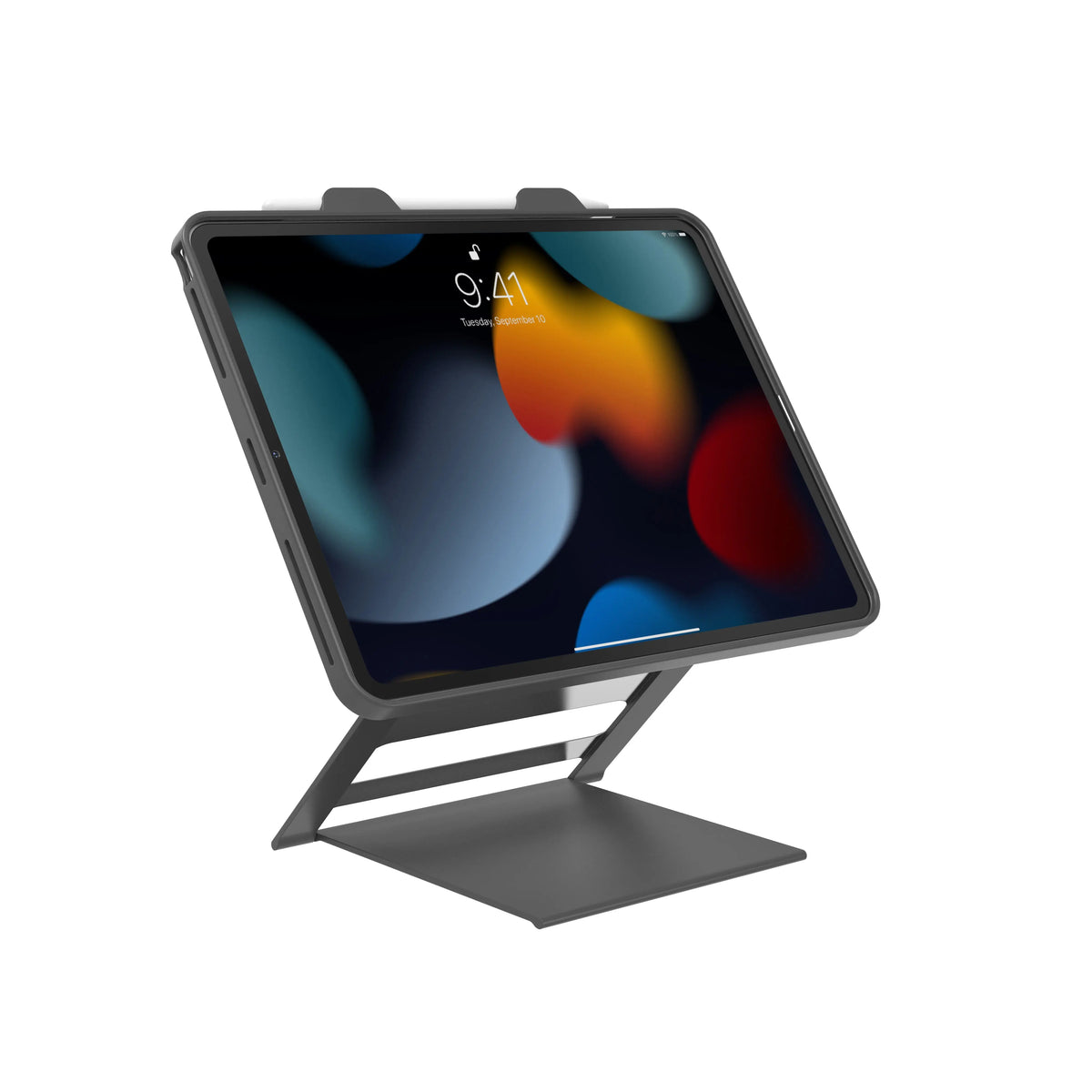
Tablet Carrying Case Kick Stand
 Locking
Premium Locking Floor Stand Kiosk
 Locking
Premium Thin Profile Floor Stand with Security Enclosure
 Locking
Hyperflex Security Tablet Kiosk Stand
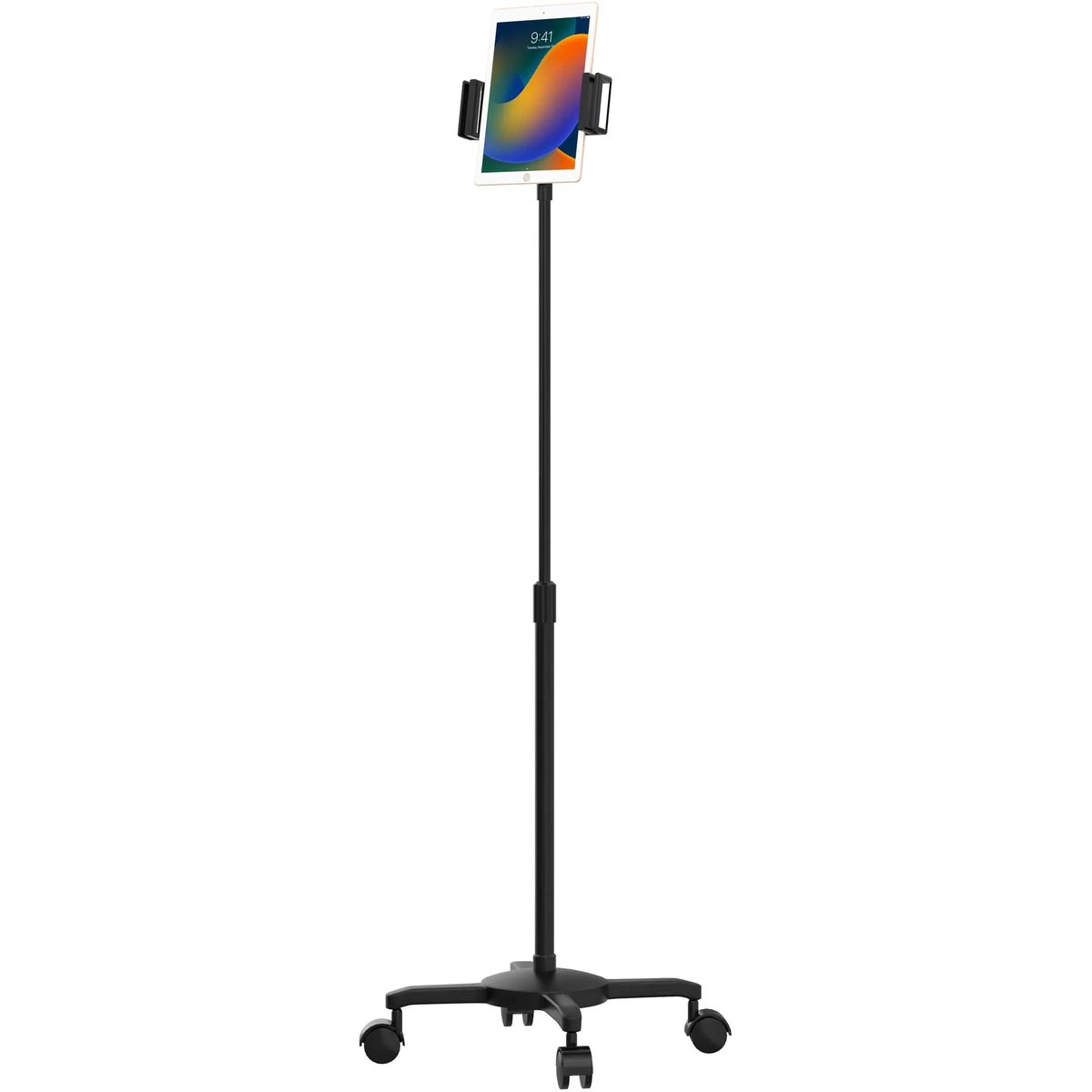
Universal Quick Connect Floor Stand
 Locking
Premium Height-Adjustable Floor-to-Desk Security Kiosk
 Locking
Premium Locking Wall Mount Enclosure
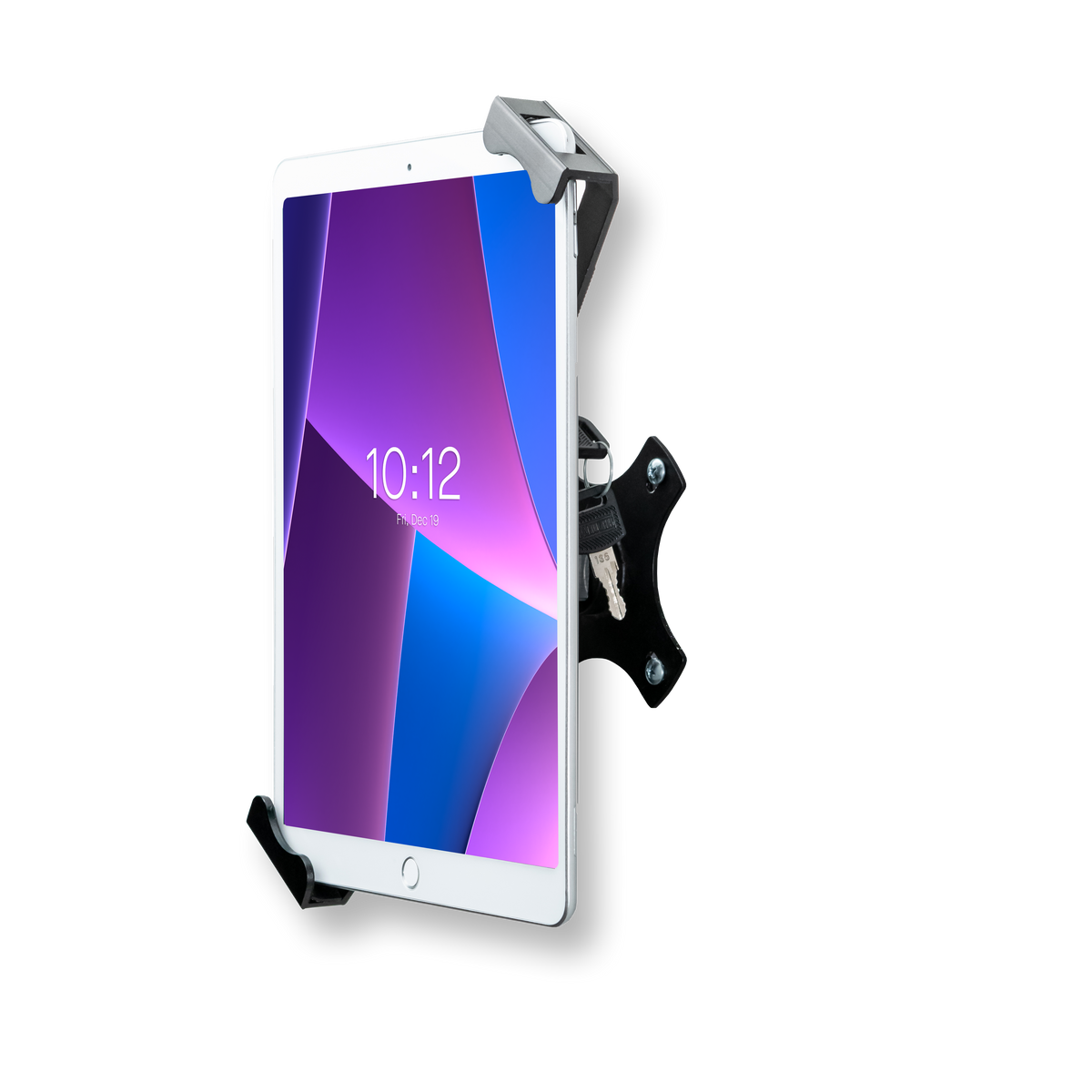 Locking
Compact Security Wall Mount
 Locking
Rugged Security Case
 Locking
Security Case with Anti-Theft Cable for 10.9” 10th gen and 11” 11th gen.
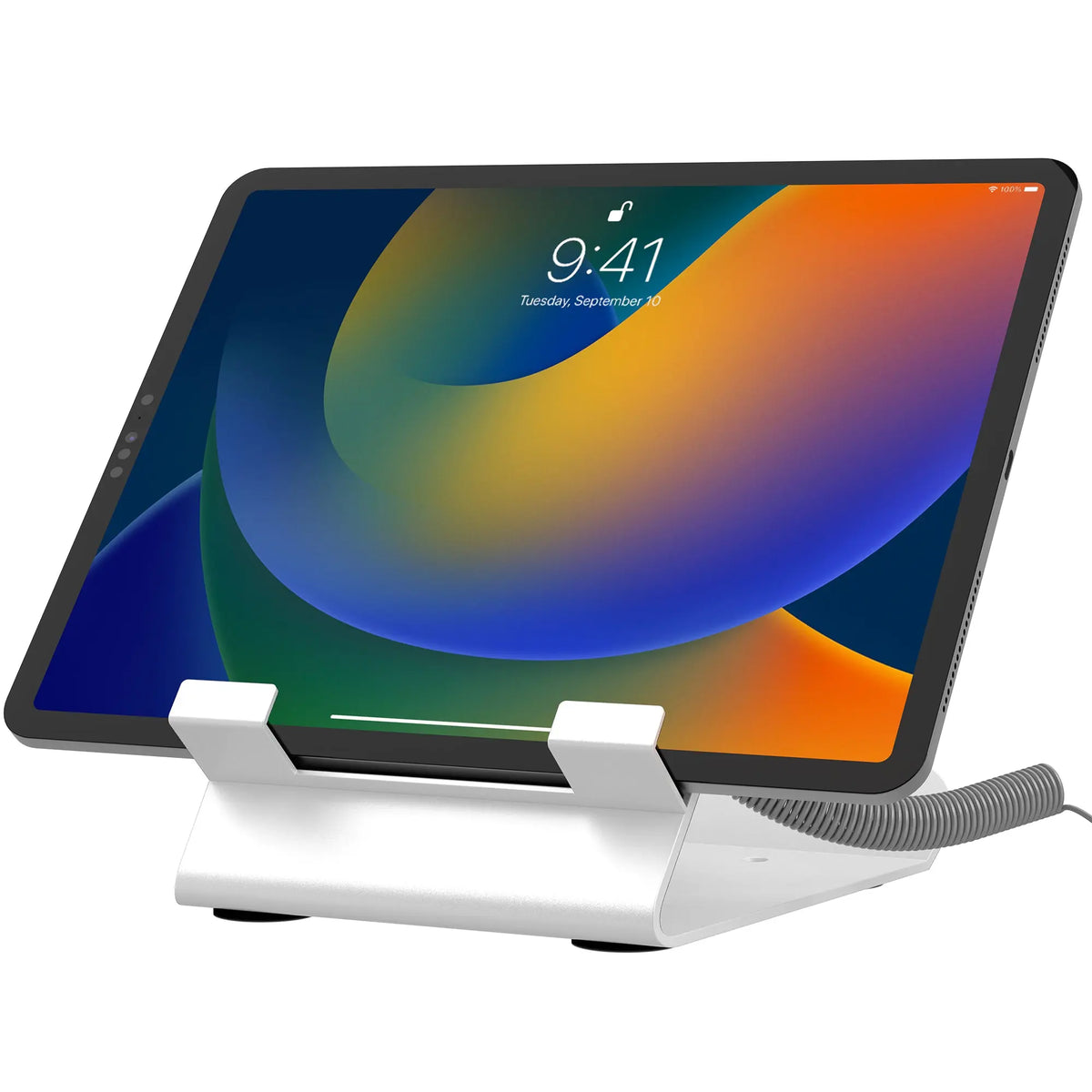 Locking
Security Cable Locking Desk Mount
 Locking
Laptop Security Arm with VESA Mounting Base
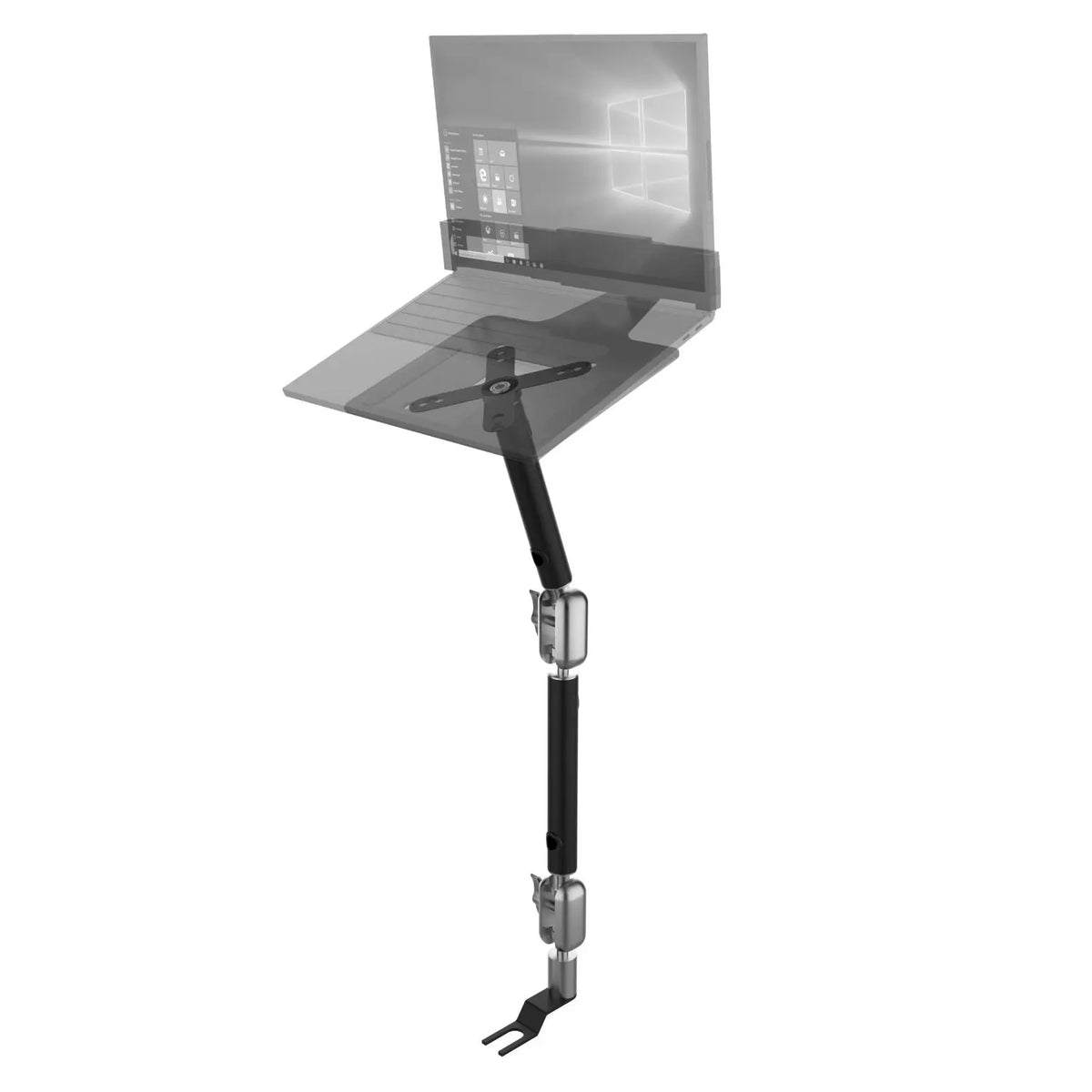
Vehicle Mounting Base with VESA Plate
 Locking
Quick-Release Security Gooseneck Car Mount
No products match these filters.
Deployed in libraries, offices and secure facilities

Secure tablet cases and charging locker solution
The client is a correctional tech solutions provider that does phones, kiosk and tablets for inmates use for a number of functions such as communicating with friends/family, education, food ordering,...
3,000+ security-proof tablet cases and charging stations

Cable management system for existing offices
With so many workstations to manage, loose or missing cables were becoming a serious issue, leading to increased replacement costs and unnecessary disruptions. The challenge was clear: design a cable...

Accessible self service floor stands
The Georgia Department of Human Services needed accessible self-service kiosks in libraries to help residents access government benefits and services. They required a solution that was user-friendly, secure, and durable...
Spec sheets, manuals & guides
Everything IT, facilities and procurement teams ask for before a purchase order, pulled automatically from the products on this page.
- Spec sheetSecurity Floor Stand Kiosk for iPadQPAD-SFKPDF (opens in a new tab)
- Spec sheetLockpoint Tablet Kiosk StationPAD-LOCPDF (opens in a new tab)
- Spec sheetThin Profile Graphic Sign Floor Stand w/ Security EnclosurePAD-CHKGRAPDF (opens in a new tab)
- Spec sheetPremium Graphic Sign Floor Stand with Security EnclosurePAD-PARFGRAPDF (opens in a new tab)
- Spec sheetVESA Wall Mount Arm with EnclosurePAD-WMABEPDF (opens in a new tab)
Government buying questions
Can enclosures be locked in public spaces?
Yes. The Security Floor Stand Kiosk for iPad (QPAD-SFK) uses a full-body enclosure with a lock, and the Lockpoint Tablet Kiosk Station (PAD-LOC) is a thick-gauge steel enclosure that keeps the tablet protected from theft while leaving the screen accessible.
Are your kiosks and floor stands ADA-compliant?
Some stands are height-adjustable, such as the Floor-to-Desk Security Kiosk (PAD-PARAFD) and the Rolling Floor Stand (PAD-CGSVP), and our Georgia library project used accessible self-service floor stands. Whether an installation complies depends on mounting height and placement on site, so share your floor plan and we will recommend a setup.
Can we add our agency's signage to a kiosk?
Yes. The Thin Profile Graphic Sign Floor Stand (PAD-CHKGRA) and the Premium Graphic Sign Floor Stand (PAD-PARFGRA) hold a printed graphic above the tablet, and the Graphic and Bracket add-on (ADD-GRAPHIC) fits other CTA floor stands.
How do we secure laptops and tidy cables on shared desks?
The Locking and Folding Security Desk Mount (LT-LFSDM) is made for securing laptops in public spaces, and the Desk Add-on Bundle (PC-DAB) adds a keyboard tray, a desk organizer and a cable routing column. Steel security cable locks (for example LT-SC) are available as add-ons.
Can devices be stored and charged securely?
Yes. The Locking Charging Cabinet (POW-LICC10) holds up to 10 devices behind a key lock with indicator lights, and the Wall-Mounted Charge Station Security Cabinet (QPAD-WMCS) has 12 slots behind a three-point locking system.
Do you support volume orders and custom builds?
Yes. Tell us about the project and we will quote volume pricing, send samples for evaluation and adapt mounts to your devices. Our public-sector work includes 3,000+ security-proof tablet cases and charging stations for a corrections technology provider.
Equipping an agency, a library system or a facility?
Our engineers adapt mounts and cabinets to your devices, rooms and security requirements, with volume pricing and samples for evaluation.